Categories
How To News Privacy Protect Your Devices Quick Tips Scams

The ‘Do Not Call’ list loophole: Why your phone still won’t stop ringing

If you’ve taken the time to read our tips here at Cyberguy to keep phone scammers at bay, good for you. One of these tips is to put your phone number on the national and state “Do Not Call” list. However, you might find that you’re still getting calls from scammers. This is because the Do Not Call list primarily targets legitimate telemarketers and has limited effectiveness against scammers and illegal robocallers who often ignore the list.

This is what happened to one of our newsletter subscribers, who told us that even though she took the time to put her number on that list, she still receives many annoying calls. “I repeatedly tell them to remove my number and stop calling, but they continue to call.” She noted that the caller ID indicates that these phone calls are coming from spoofed phone numbers. Even though she blocked these numbers, too (another tip to ward off scammers), they’d call back from another number. So, why is this permitted? And, how come being on the “Do Not Call” list is not enough? Let’s thoroughly answer this once and for all.

GET SECURITY ALERTS, EXPERT TIPS – SIGN UP FOR KURT’S NEWSLETTER – THE CYBERGUY REPORT HERE
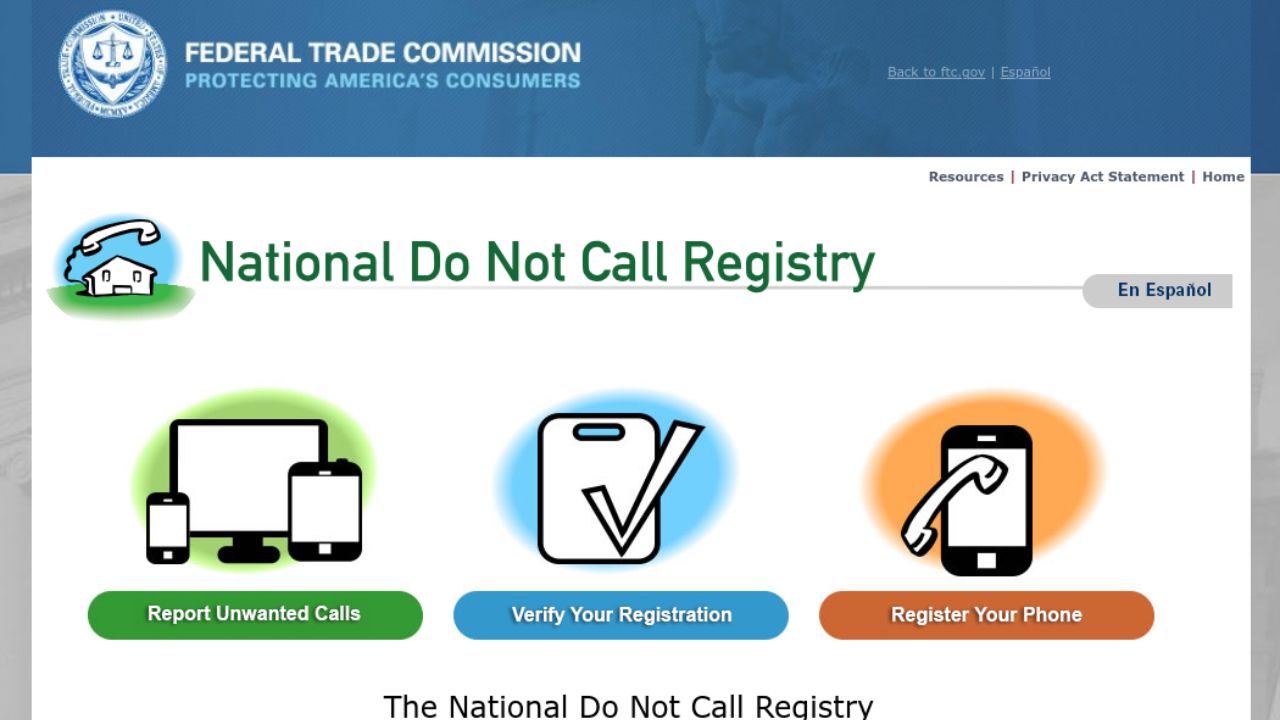
Credit: FTC


How scam calls get through the “Do Not Call” list

Receiving calls from scammers when you’ve gone out of your way to prevent them from calling you can be rather frustrating.

Unfortunately, despite being on the Do Not Call list, you may still receive unwanted calls due to a few reasons:

Some types of calls are exempt from the “Do Not Call” regulations. These include calls from political organizations, charities, and companies with whom you have an existing business relationship.  Of course, if the scammer spoofs a government phone number, they may appear to be exempt from the “Do Not Call” list, even though they are not actually a legitimate government entity.

Scammers often disregard the “Do Not Call list” and continue to make unsolicited calls. These individuals and organizations engage in illegal activities and are not bound by the regulations set forth by the FTC. After all, these scammers are not really one to follow the rules.

Sometimes, telemarketing companies or organizations may inadvertently call numbers on the “Do Not Call” list due to data errors or technical issues. Though, this is less likely.

Additionally, scammers can purchase phone numbers on the dark web, allowing them to target a wide range of individuals regardless of their registration on the “Do Not Call” list.

Again, because scammers can spoof phone numbers to make any number appear on the caller ID (even if it belongs to someone else), it’s much easier for them to bypass the “Do Not Call” list loophole.

 

HOW TO TRACE AND BLOCK ANONYMOUS CALLS 


How to keep scammers from calling you at all costs

While we’d like to think it’s enough to put your number on the national and state “Do Not Call” list, as we learned from this subscriber, it’s not a foolproof method. They can still find ways to get to you. That being said, don’t neglect putting your number on this list. Keeping scammers from calling you requires a combination of different strategies, and each one helps reduce the number of scam calls you’ll get over time.

1) Invest in personal data removal services: While no service promises to remove all your data from the internet, having a removal service is great if you want to constantly monitor and automate the process of removing your information from hundreds of sites continuously over a longer period of time. 

A service like Incogni can help you remove all this personal information from the internet. It has a very clean interface and will scan 195 websites for your information and remove it and keep it removed.

Special for CyberGuy Readers (60% off):  Incogni offers A 30-day money-back guarantee and then charges a special CyberGuy discount only through the links in this article of $5.99/month for one person (billed annually) or $13.19/month for your family (up to 4 people) on their annual plan and get a fully automated data removal service, including recurring removal from 175+ data brokers.  You can add up to 3 emails, 3 home addresses and 3 phone numbers (U.S. citizens only) and have them removed from data-broker databases.  I recommend the family plan because it works out to only $4.12 per person per month for year-round coverage. It’s an excellent service, and I highly recommend at least trying it out to see what it’s all about.

Get Incogni here

Get Incogni for your family (up to 4 people) here


2) Check to see if any websites you have an account with may have had a data breach recently. Changing your passwords frequently can help prevent more damage from being done. Also, consider using a password manager to generate and store complex passwords.


3) Don’t answer calls from unknown numbers. Let them go to voicemail.


4) Use your phone’s spam blocker features.


5) Notify your mobile service provider about the calls and see what they can help you do.


6)
Never reply or call back a number you don’t recognize. If the area code is familiar to you but not the rest of the phone number, it could very well be a scammer who is intentionally phone spoofing someone’s number within the same area code, for the sole purpose that you’ll recognize it and feel more inclined to answer it.


7) Block robocalls and unknown numbers.


8) Report the unwanted calls to the FTC and your state attorney general’s office, especially if it’s a repeated number or person claiming to be from the same organization.


9) If the calls are still coming, consider changing your phone number.


10) Consult a Consumer Protection Attorney if the calls really don’t stop.


11) Remember never to provide your personal information over the phone. If anyone calls you to ask for your sensitive data, do not give it over, even as trusting the person might sound or as legitimate as the reason may seem. These days, because scams are so prevalent, there shouldn’t be any company calling you and asking you for this information over the phone. Always do your due diligence.

 

HOW TO BLOCK THOSE UNWANTED AND ANNOYING SPAM EMAILS


Kurt’s key takeaways

Putting your phone number on the “Do Not Call” list is a great step in keeping scammers away. But, it’s not the only way. It takes utilizing different strategies — and, keeping up with those strategies — to send the scammers elsewhere.

If you could design a new feature for smartphones to prevent scam calls, what would it be? Let us know in the comments below.

FOR MORE OF MY SECURITY ALERTS, SUBSCRIBE TO MY FREE CYBERGUY REPORT NEWSLETTER HERE

Categories
Gadget Gadgets News

You WON’T BELIEVE These 10 Android Apps (February 2025)

Android Apps

Looking to maximize the potential of your Android device? These 10 apps featured in a new video from Mr Android FHD are designed to simplify your daily tasks, boost productivity, and inspire creativity. Whether you want to organize your digital life, customize your phone’s appearance, or enhance your privacy, these tools provide practical solutions for common challenges. Explore how each app can elevate your smartphone experience.

1. Declutter Your Photo Gallery with Sponge

Managing a growing photo gallery can be daunting, but Sponge simplifies the process. This app allows you to swipe through your photos, quickly deciding which to keep or delete. You can even set up reminders for regular decluttering sessions, making sure your storage remains optimized. Whether you’re organizing personal memories or work-related images, Sponge helps you maintain a clean and clutter-free gallery. Its intuitive interface makes it easy to stay on top of your photo collection without feeling overwhelmed.

2. Organize Saved Links with Later Links

If you often save articles, videos, or other online resources, Later Links is an essential tool. This app enables you to organize saved links using tags, notes, and collections, making it simple to retrieve content when you need it. It also syncs seamlessly with Google Drive, making sure your saved items are accessible across all your devices. With Later Links, you can say goodbye to endless browser history scrolling and enjoy a more efficient way to manage your digital bookmarks.

3. Upgrade Your Wallpaper with Wall Spot

Bored with your current wallpaper? Wall Spot offers a collection of over 900 high-quality 4K wallpapers across categories like nature, abstract art, and more. Whether you prefer free or premium options, you’ll find designs that suit your style. Many wallpapers are also compatible with desktop screens, allowing you to create a cohesive aesthetic across all your devices. With Wall Spot, refreshing your phone’s look has never been easier or more enjoyable.

4. Personalize Widgets with One7 KWGT

Customization enthusiasts will love One7 KWGT, which features over 150 widgets inspired by One UI 7. From weather updates to time displays, these widgets let you design a home screen that reflects your personality and preferences. The app’s user-friendly interface ensures that even beginners can create a polished, professional-looking layout. With One7 KWGT, you can transform your home screen into a functional and visually appealing space.

5. Manage Files Ad-Free with Right Files

For a streamlined file management experience, Right Files is a standout choice. Its clean, iOS-inspired interface makes organizing your files straightforward, while its ad-free design ensures a distraction-free environment. The app also offers customization options, allowing you to tailor your file organization to suit your needs. Whether you’re managing work documents or personal files, Right Files provides a reliable and efficient solution.

6. Convert Audio to Text with Brain Dump

If you rely on voice notes, Brain Dump is a must-have app. It converts audio into text in over 50 languages, making it ideal for students, professionals, and multilingual users. The app also offers AI-generated summaries, helping you quickly review key points from lengthy recordings. Additionally, it securely backs up your data to Google Drive, making sure your notes are always accessible and well-organized. With Brain Dump, you can streamline your note-taking process and focus on what matters most.

7. Browse Privately with Quetta Browser

Privacy-conscious users will appreciate the features of Quetta Browser, which prioritizes secure browsing. With built-in ad blocking and video download capabilities, it provides a clean and distraction-free experience. The app’s user-friendly design ensures smooth navigation while protecting your data. Whether you’re researching sensitive topics or simply want a more private browsing experience, Quetta Browser delivers the tools you need to stay secure online.

8. Create Stunning Edits with Text Behind Photo Editor

Elevate your photo editing skills with Text Behind Photo Editor. This app allows you to place text behind objects in your images, creating eye-catching and professional-grade visuals. Advanced tools like background removal and layering make it easy to achieve complex effects, whether for social media posts or personal projects. With Text Behind Photo Editor, you can turn ordinary photos into stunning works of art.

9. Turn Tweets into Shareable Images with Tweet e Pic

Tweet ePic is a simple yet powerful app for transforming tweets into visually appealing images. You can customize fonts, colors, and layouts to create clean, shareable graphics. Whether you’re a content creator, marketer, or casual user, this app makes it easy to preserve and share tweets in a polished format. With Tweet e Pic, you can highlight important messages and engage your audience more effectively.

10. Organize Screenshots with Pixel Shot

If your screenshots are disorganized, Pixel Shot offers a practical solution. Using AI, it automatically tags and categorizes your screenshots based on their content, making it easy to locate specific images. Whether you’re referencing work materials or personal notes, this app streamlines the process of managing and retrieving screenshots. For anyone who frequently captures and uses screenshots, Pixel Shot is an invaluable tool.

Summary

These 10 Android apps showcase how technology can simplify and enrich your smartphone usage. From decluttering your photo gallery with Sponge to organizing your screenshots with Pixel Short, each app addresses a specific need with practical and user-friendly solutions. Whether your focus is on productivity, creativity, or privacy, these tools are designed to help you get the most out of your Android device. Explore these apps today and discover new ways to enhance your smartphone experience.

Here are more detailed guides and articles that you may find helpful on Android productivity apps.

Source & Image Credit: Mr Android FHD

Filed Under: Gadgets News

Latest Geeky Gadgets Deals

Disclosure: Some of our articles include affiliate links. If you buy something through one of these links, Geeky Gadgets may earn an affiliate commission. Learn about our Disclosure Policy.